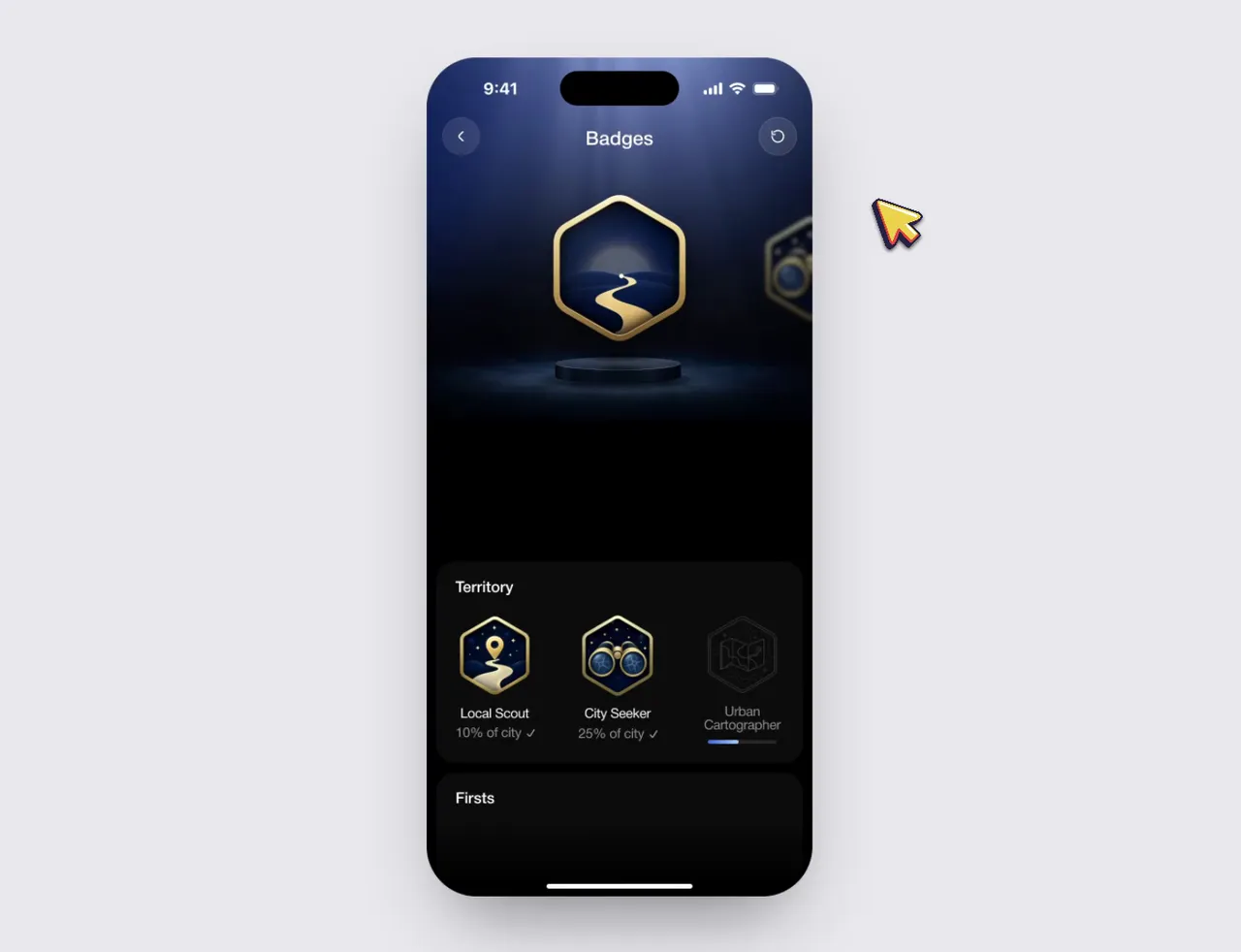
Customize: Badge unlock screen animation
The prompt comes from a post by Ritu. Watch the video
Your prompt
The highlighted part at the end is added from your details and dials. Where it disagrees with the prompt, it wins.
Using the linked Figma frame build a badge unlock screen. Match the design exactly. Use the file's assets, lighting, type and layout and add only the motion. Animate the badge so it feels premium and celebratory. Build its scene and then celebrate with gold particles. Treat the badge as a solid 3D object that tilts toward the
cursor following the rules of physics. Keep it fast and smooth, it should not be bouncy.
For best results, run it with Claude Opus 5.5.