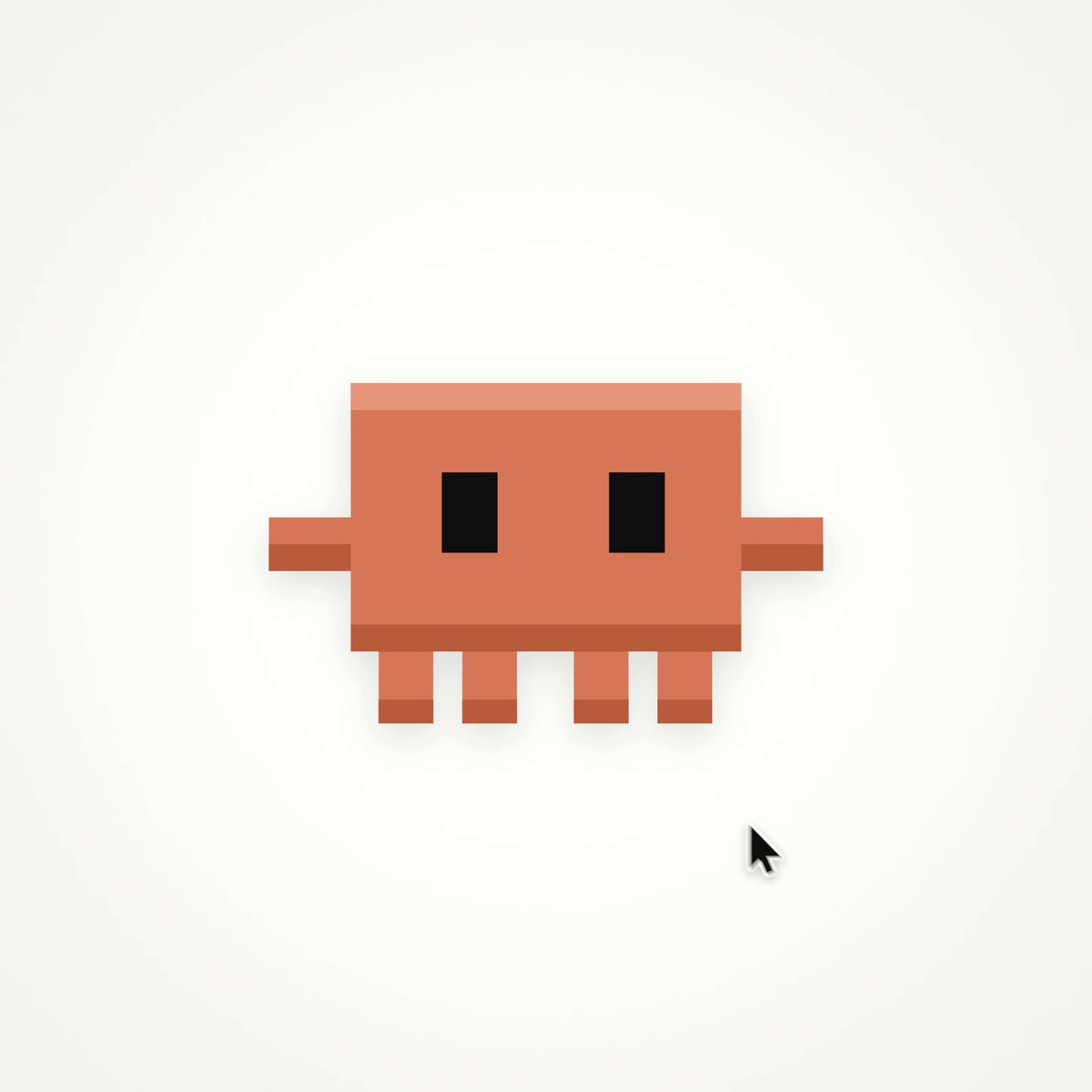
Customize: 14-second UI morph loop
The prompt comes from a post by Florence. Watch the video
Your prompt
The highlighted part at the end is added from your details and dials. Where it disagrees with the prompt, it wins.
<inputs>
Give me:

* canvas color
* shape color
* accent color
* shape radius
* fonts
* the states the shape should morph through

Use hex codes, seconds, damping ratios and pixel sizes instead of adjectives.
</inputs>

<direction>
Make a 14 second, 1440x1440, 60fps seamless UI motion loop.

One shape, zero cuts.

The shape morphs from state to state and is never replaced.

Each state fills 50% of the frame.

The camera starts on the beat and settles slower than the shape.

Use closed-form springs.

Shape damping 0.72, settle time 0.35s.
Camera damping 1.0, settle time 0.6s.

Content swaps use 12px blur and fade over 0.15s.

The cursor tip stays locked to whatever it drags.
</direction>

<structure>
Use a 0.5s beat grid.

0.0 - pixel mascot idles
1.0 - mascot squashes into play button
1.5 - loader
2.0 - check draws
2.5 - timeline scrub
4.0 - keyframe stretches past the end and snaps back
5.0 - bezier editor
7.0 - counter rolls F 000 to F 840
8.5 - render bar fills
10.0 - command palette types "export mp4"
11.0 - toast says "840 frames rendered"
12.0 - toast shrinks back into the mascot

The last frame must be the first frame.
</structure>

<build>
Write one HTML file with Canvas 2D.

window.renderAt(t) must be a pure function of time.

No Math.random.
No clock.
No carried state.

?t= must freeze the exact moment.

Render every frame from renderAt(frame / 60).

Use 4 subframes for motion blur.

Encode to H.264 at 60fps.
</build>

<gotchas>
Fix the cursor jump at the loop wrap with:

t - 14*floor(t/14)

Do not cross-fade orange into ink.

Use a ripple from the center at 1.5s and from the click point at 12.0s.

Roll word swaps vertically.

Start draw-on after blur-in.

Aim the cursor at where the target will be when it lands.

Keep cursor speed under 65 px/frame.
</gotchas>

<start>
First show me the storyboard.

Then write the code.

After the first render, check 5 frames around every beat and fix the issues before the final render.
</start>
For best results, run it with Claude Opus 5.5.