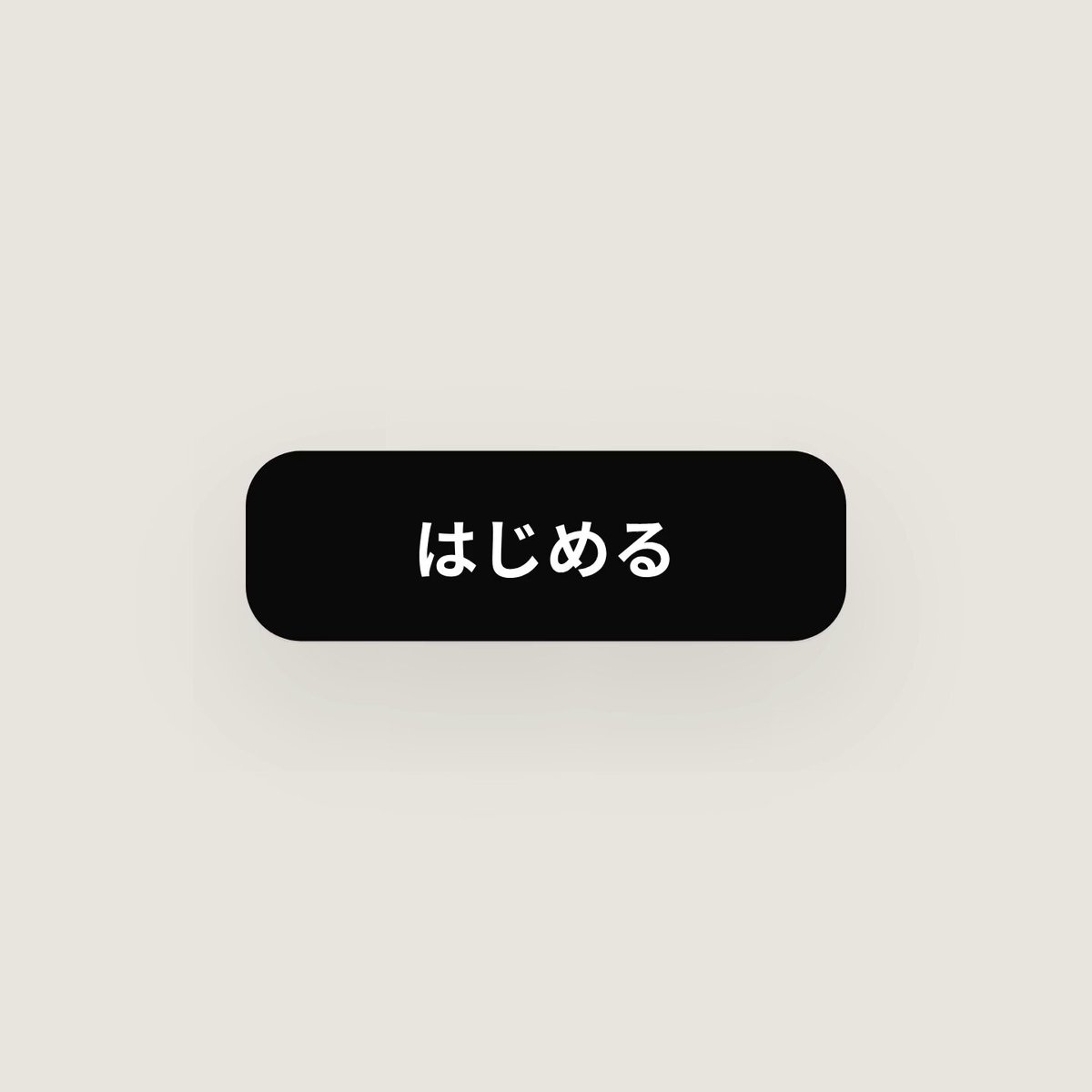
Customize: Morphing UI component loop
The prompt comes from a post by おかぴ|@AI副業40代会社員. Watch the video
Your prompt
The highlighted part at the end is added from your details and dials. Where it disagrees with the prompt, it wins.
<inputs>
Ask me the following 3 things: the 8–12 UI components the shape transforms into (e.g. a button, a loading indicator, a music player, a volume slider, an on/off switch, tabs, a graph, a search box opened with ⌘K, a toast notification that appears briefly), whether the colors are pure black and white or one accent color, and a royalty-free song around 120BPM (a tempo of 120 beats per minute) (e.g. Mixkit, free for commercial use).
</inputs>

<direction>
Refined UI motion at a level that would be featured on "Dribbble," the portfolio site for designers. There is only one shape, and never cut between scenes. Express every state through motion where the same single shape changes form while changing its size, corner radius, and color, and swap the contents with a short blur in between. The cursor triggers every change with real clicks and drags. The background is a warm light gray, components are white and black, on-screen text is in Japanese, the Japanese font is Noto Sans JP, and Latin letters, numbers, and symbols use Geist (one font family). Make all motion natural, "spring"-like movement, with overshoot (bounce-back) kept very slight. The camera zooms so that each state fills the screen. Make the last frame the same as the first frame so it loops.
Forbidden: bouncy motion, particle-scattering effects, glowing bloom, gradients on components, icons with inconsistent stroke widths, dead pauses where nothing happens, and anything that looks template-like in general.
</direction>

<structure>
120BPM, 7 bars (about 14 seconds), something happens on every beat.
Button → loading indicator → check mark → iPhone Dynamic Island-style display → music player whose play/pause icon morphs smoothly → drag the playback bar's knob to scrub the playback position → transforms into a volume slider (stretches like rubber when dragged past the max) → on/off switch toggles on the beat → the switch knob becomes a liquid-moving tab selection indicator → the tabs open into a graph that draws its own line (a tooltip appears on hover) → folds into a ⌘K search box → type to filter suggestions → Enter → a toast notification flashes briefly → back to the button.
</structure>

<build>
1. One HTML file, square 1440x1440. Compute every visual from time inside seek(t) (a function that, given time t, determines the screen at that moment). Use no CSS transitions (automatic animation features) and no timers, and carry no state over between frames.
2. Make the "spring" motion a form that can be solved directly by formula (closed-form step response). For values whose target changes many times, sum the motions computed one per change. That way, the value is always determined by time alone.
3. For the tab selection indicator, drive the left and right edges with separate springs so the leading edge in the direction of travel stretches ahead of the trailing edge. Use the same technique for the switch knob.
4. Drags are direct manipulation: while the cursor is pressed, compute the value from the cursor position. On release, spring back from that position.
5. Analyze the song with numpy (a computation tool) to find the beat positions, and start from the downbeat of a bar. Place interaction sounds at the measured sound peak positions.
6. Render with Playwright (a tool that automates a browser and exports the screen as images). Export 4 sub-frames per frame, layer them with ffmpeg's (a tool for making videos) tmix to apply motion blur (motion trails), and make it 60fps.
7. Before exporting the whole thing, export just one frame per beat to check. Fix anything off-beat, cramped, or hard to read.
</build>

<gotchas>
Never put will-change (a browser rendering setting) on elements that get scaled by the camera. If you do, the text gets blurry. Give each piece of text that swaps inside a shape-changing box its own dedicated enter/exit timing (to prevent overlap). Make the last frame match the first frame exactly, including the cursor's position and velocity. Otherwise, the loop will stutter.
</gotchas>

<start>
First ask me for the inputs, and before writing any code, show me the per-beat state list.
</start>
For best results, run it with Claude Opus 5.5.