Customize: Beat-synced particle video remix
The prompt comes from a post by 雪踏乌云. Watch the video
Your prompt
The highlighted part at the end is added from your details and dials. Where it disagrees with the prompt, it wins.
1. Choose footage

  Three criteria that directly decide success or failure:

  - Complete subject: the person or object is fully in frame. Detail gets lost in processing and viewers recognize things by their silhouette; a close-up turns into a blob.
  - Clean background: solid color, snow, or sky all work, so the subject separates easily from the background.
  - Clear moments of action: strikes, jumps, landings, turns. These are the anchor points for the effects later on.

  The source can be your own footage, video-model output, or licensed existing clips.

  2. Break down the footage

  Extract three kinds of information from every frame:

  - Color: the original image.
  - Depth: how far each position is from the camera, computed with an off-the-shelf depth estimation model.
  - Subject area: where the subject is and where the background is.

  Also find the moments where shot changes happen. The key to this step is stability: depth and subject area must be processed consistently within each shot, otherwise playback will jitter.

  3. Decide the "particles" and "styles"

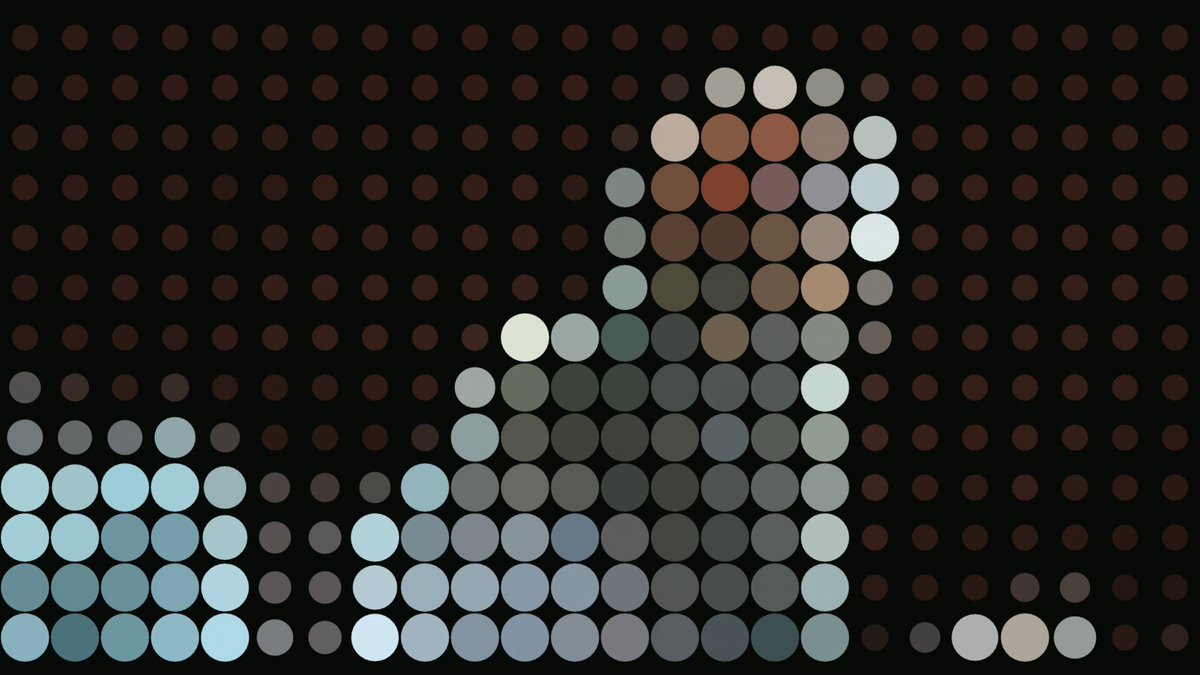
  First decide what to rebuild the image with: dots, squares, text, or lines all work.

  Then design a few styles. Each style is really just a different combination of three rules:

  - Where to place: across the whole frame, or only on the subject.
  - How big: uniform size, or varying with brightness and depth.
  - What color: the original image's colors, or one or two uniform colors.

  Add one more toggle: lay them flat on a single plane, or push them into 3D space by depth. Only once they're pushed in can the camera orbit.

  Four to six clearly distinct styles are enough. Particle density needs to be tuned by eye: too big and the content is unrecognizable, too small and it's no different from the original.

  4. Find the rhythm

  - Set the tempo: pick the music's tempo and slice time into equal-length cells. Make each cell an exact integer number of frames so every later switch lines up easily.
  - Find the action moments: combine two signals, "sound suddenly gets louder" and "image suddenly changes," to find the hit points in the footage.
  - Prepare the music: you can use an existing track and analyze its beats, or synthesize one at the chosen tempo and add accents on the hit points.

  5. Arrange

  Make a timetable specifying which style, which color palette, and where the camera is for each cell. Store this table separately; to adjust the rhythm later, only change it.

  Four principles of arrangement:

  - Establish the transformation at the start: show the original image first, then transition into particles, so viewers understand what's happening.
  - Alternate fast and slow: constant speed numbs the viewer; there needs to be a clearly slower section in the middle.
  - Colors should clash: the bigger the contrast in color and style between adjacent cells, the more forceful the switch.
  - The ending needs closure: e.g. the particles grow bigger and bigger until they become color blocks, or return to the original image.

  6. Feedback at key moments

  Layer short, sharp reactions on the hit points, graded by intensity:

  - Light feedback on every hit: the particles deform briefly, the camera bumps.
  - Medium feedback only on heavier hits: some of the particles burst toward the camera.
  - Big feedback reserved for the heaviest one or two hits: time freezes, the camera orbits.

  The principle is weak and short. Only move some of the particles and finish within a few frames, otherwise the frame explodes into a mess and viewers can't see what the subject is doing.

  Working methods throughout

  - Test samples before the full piece: after finishing each stage, render a few frames to check the result, and only move on once confirmed. Render the full piece only at the very end.
  - For uncertain parameters, produce a whole row at once: e.g. for density, have the AI output five or six levels side by side and you pick.
  - Re-render only what you change: when adjusting a section, re-render only that section.
  - Make the AI look at the images itself: at every step, require it to open and look at the render output before reporting.
  - Fix all randomness: ensure the same settings produce the same render every time, otherwise you can't make incremental changes.
For best results, run it with Claude Opus 5.5.