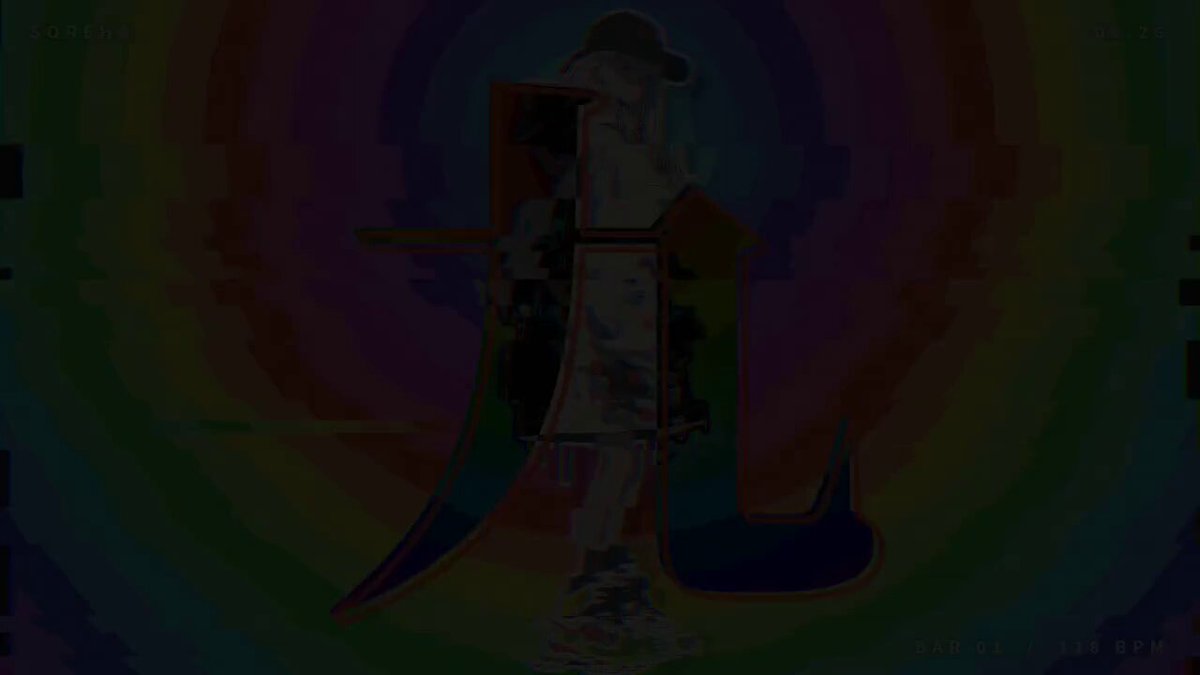
Customize: Psychedelic glitch music video
The prompt comes from a post by Good FortuneX. Watch the video
Your prompt
The highlighted part at the end is added from your details and dials. Where it disagrees with the prompt, it wins.
Using the attached song and character images, please make a "psychedelic glitch"-style animated MV.

[Production method]
Write the animation in HTML Canvas, capture it frame by frame with Playwright, combine it with the audio using ffmpeg, and output an MP4 (1280×720, 30fps, 30MB or less).
Don't use AI video generation; make it entirely with programmatic animation.

[Preprocessing]
1. Make the background of every character image transparent, and add a white sticker-style outline and a faint shadow.
2. Analyze the song: determine the BPM, the position of the first beat, the start of each bar (4 beats),
   and the energy level of each section (intro / verse / chorus / breakdown).

[Editing rules]
- Switch cuts on every beat. Rotate cuts randomly among: full body,
  bust shot, extreme close-up of the eyes, 2 poses side by side, the same pose repeated 5 times (each in a different hue), scene images.
- Don't use the same pose on 2 adjacent beats.
- In low-energy parts, use scene images or quiet cuts to give a breather.
- Match effect intensity to the section: intro about 40%, verse 70%, chorus 100%.

[Effects]
1. White flash: flash on every beat and fade out immediately. The 1st beat of each bar is the strongest.
2. Hue flow: the background is a continuously flowing rainbow pattern (concentric spirals, rotating color wheel,
   melting rainbow waves, stripes, black-and-white checkerboard). In the chorus, hue-rotate the entire screen, characters included.
3. Screen tearing: the instant a beat lands, apply horizontal band displacement + RGB 3-channel split,
   and return to normal by the next beat. Don't let the characters stay blurry the whole time.
4. Kaleidoscope: in the chorus, every other bar, split the screen into 8–12 mirrored fan-shaped segments and rotate them slowly.
5. Big text per bar: at the start of each bar, flash giant text in the center of the screen for about 0.4 seconds.
   Blend mode is invert (difference), with a rainbow outline.
   Big text content: [write the text you want to use here, or write "pick keywords from the lyrics"]

[Other]
- Show a small title [name] in the top left, the [date] in the top right, and the bar number in the bottom right.
- Add a little film grain and scanlines. Fade in from black at the start, and fade out at the end.
- Before the final render, show me a list of screenshots of each section so I can check it.
For best results, run it with Claude Opus 5.5.