내 프롬프트
끝에 강조 표시된 부분은 입력한 내용과 다이얼 설정에서 추가된 것입니다. 프롬프트와 충돌하면 이 부분이 우선합니다.
<inputs>
Ask me for: my landing page link, my brand name and logo mark, and a two-part closing line (a statement, then a short italic tail).
</inputs>

<direction>
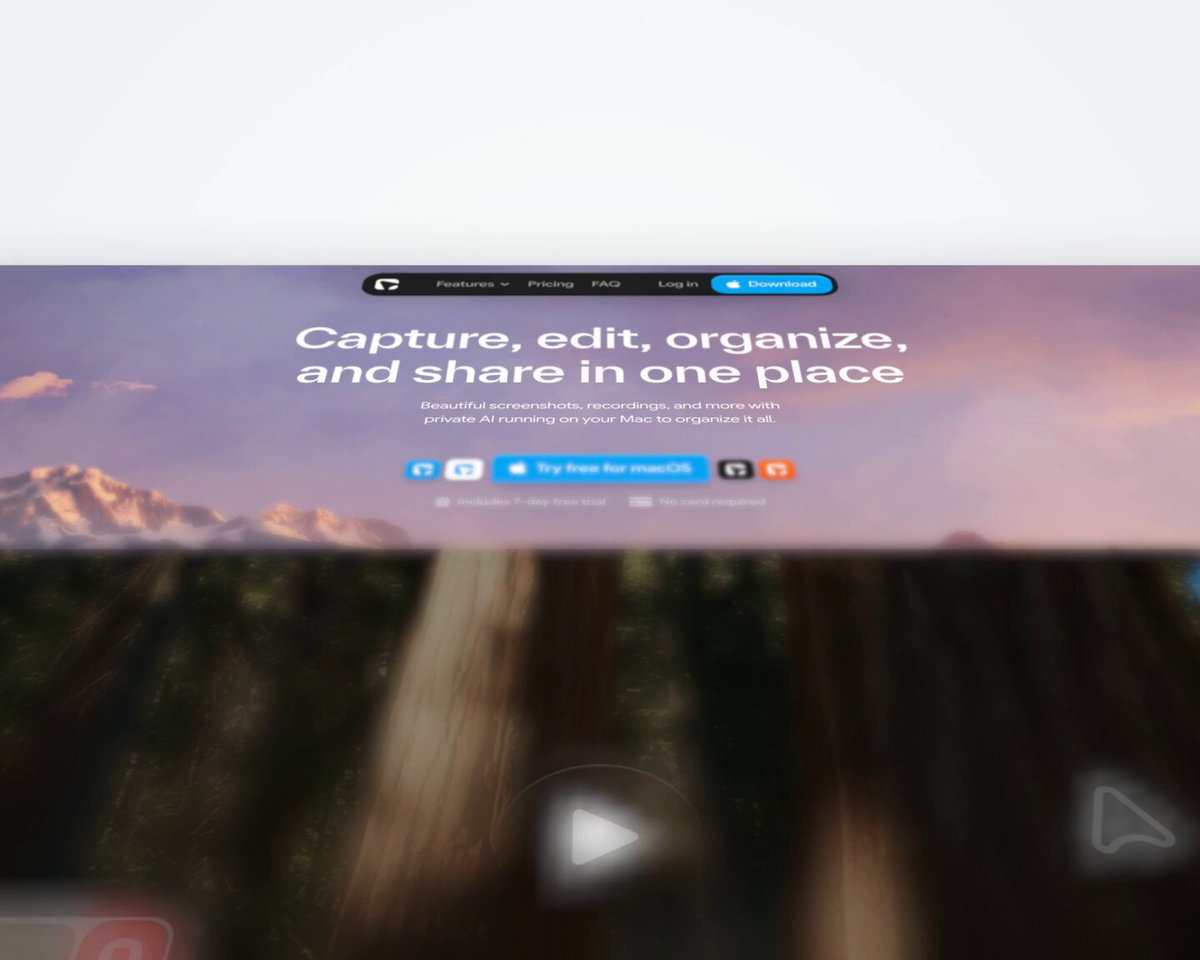
A 14.5 second 3D fly-over of my landing page, 1440x1152 at 60fps, with sound. The page lies flat on a bright studio floor with a soft shadow and rounded corners. One continuous camera, never a cut: it starts low over the hero, glides backwards down the page at a steady speed while looking up it, rises overhead to show the whole page as one strip, then dives into the hero and lands it as a card under a two-line title. Shallow depth of field, so whatever is near the lens melts. Cards, photos and chips lift off the page and stand up toward the camera as it passes. A few small tiles of my logo lift off beside the hero button and stay until the end card. Everything on screen comes from my real page or brand. Title in Geist, italic tail in Instrument Serif.
Banned: cuts, crossfades, the camera stopping or turning, zooming in and out, glows, decorations that aren't on my page.
</direction>

<structure>
Flight 0-8.2s, rise 7.75-9.25s, overhead 9.25-9.5s, dive 9.5-10s, title card 10-14.5s.
Start on the hero, product sharp → the logo tiles and hero chips lift off → the glide speeds up as the hero falls behind → each section's main cards and photos lift and stand up as they cross the frame, sharp in the middle and soft below → the testimonial rises and stands up → the glide eases off at the footer → the camera rises and flattens to show the whole page → the dive lands the hero as a big rounded card → a small brand badge, then line 1 word by word, then the italic tail in grey → hold to the end.
</structure>

<build>
1. Open my link in headless Chromium (Playwright), scroll to the bottom so everything loads, screenshot the full page, then screenshot each piece that should lift (cards, mockups, chips, photos, testimonial, button) on its own and save their positions.
2. One WebGL2 page where every frame is computed from time inside seek(t): the page is a flat textured quad and each piece its own quad above it, with mipmaps so far text doesn't shimmer.
3. Drive the camera from one smooth speed curve, never from position keyframes. Tilted down at the page, no turning.
4. Depth of field and soft shadows under every lifted piece.
5. Render with Playwright on the real GPU at 60fps with motion blur, H.264 MP4.
6. Add whooshes on the rise and dive, a soft impact when the card lands, and light clicks and pops as pieces lift and title words appear.
</build>

<gotchas>
If you can't run code on my computer, say so straight away: you can only make a live preview here and the MP4 needs Claude Code. Keep most lifts small and lock the page before timing anything, because any change in a section's height shifts everything after it. Keep logo tiles away from the lens or they turn into blurry blobs.
</gotchas>

<start>
Ask me for the inputs, capture my page, then show me a few stills before you render.
</start>
Claude Code나 Codex처럼 코드를 작성하고 렌더링할 수 있는 코딩 에이전트에 붙여 넣으세요.