내 프롬프트
끝에 강조 표시된 부분은 입력한 내용과 다이얼 설정에서 추가된 것입니다. 프롬프트와 충돌하면 이 부분이 우선합니다.
<inputs>
Ask me for: a target value for the slider, three short notification messages, a reply to type, one accent color and a royalty-free track around 120 BPM. If I skip anything, use 100, "Slider - Reached 100", "Gravity - Something is falling", "Messages - What now?", "retry" and electric blue.
</inputs>

<direction>
A 10-second 2D UI motion film in 16:9. Place everything on a near-black canvas with a faint dot grid. Use charcoal controls, sharp white text, one blue accent and a white ball that moves through the entire film. A real cursor makes the opening click feel physical; the ball guides each transition that follows. Keep the UI clean and the impacts precise, with only small spring overshoots. Move the camera through one continuous layout so every interaction fills the frame.

Banned: hard cuts, stock footage, glows, particle bursts, disconnected transitions, excessive bouncing and blurry text during camera moves.
</direction>

<structure>
Around 10 seconds, with something happening on every major beat.

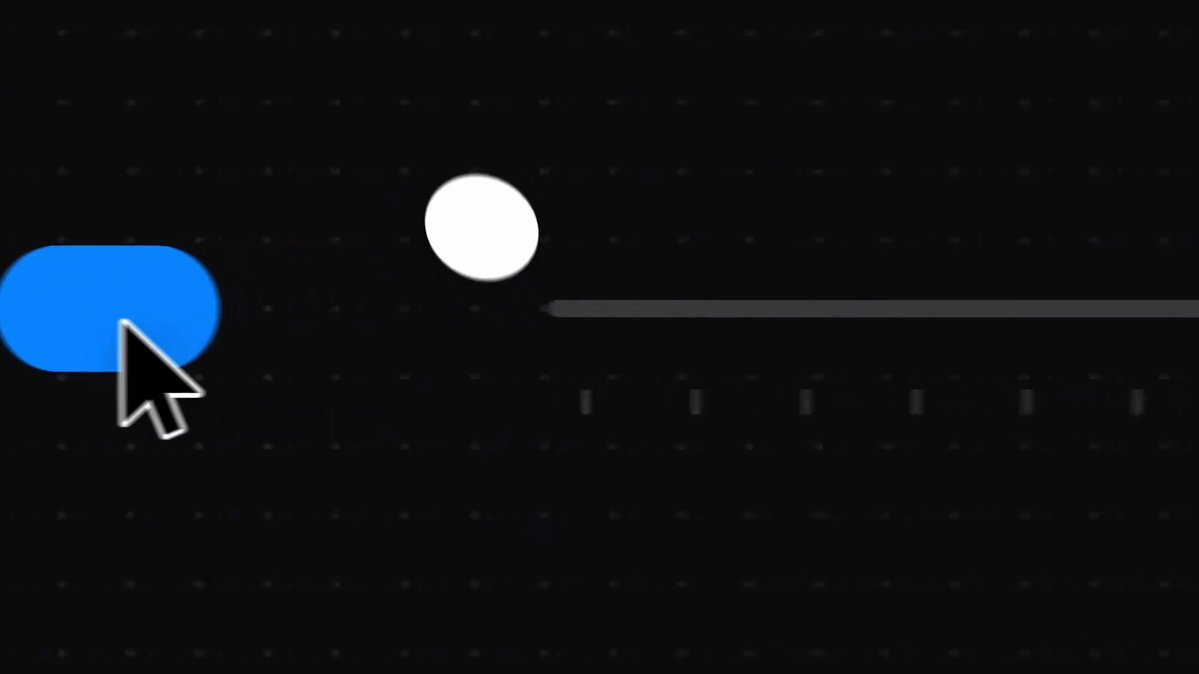
Toggle: the cursor clicks a blue switch. Its white ball springs free, and the camera follows it toward a horizontal slider.

Slider: the ball lands on the knob and moves it along the track. The blue fill stays attached, while a value bubble above the knob climbs to 100.

Notifications: hitting 100 sends the ball onward and brings in three dark cards: "Slider", "Gravity" and "Messages". Each arrives on its own beat. The camera follows the ball down to "What now?".

Reply: the small "Reply" pill stretches into a text field. A keyboard rises below it as part of the same scene.

Keyboard: the ball strikes the keys while "retry" appears in the field. It lands on Return, the blue send button activates and the reply contracts into a small blue message.

Return: the camera pulls back to show the toggle, slider, cards and keyboard together in one world. The ball travels back to the first switch. Match its position, the cursor and the switch state to the opening frame so the film loops cleanly.
</structure>

<build>
1. Make one HTML file at 1920x1080 and 60fps. Calculate every visual from time inside seek(t): no CSS transitions, timers or state carried between frames.
2. Arrange all UI components in one world. Use a single camera transform with position and log-space zoom, making each close-up a move through that world.
3. Give the white ball one continuous route between the toggle, slider, cards and keys. Use closed-form springs for landings and a brief squash on impact.
4. Calculate the slider fill and number from the ball's horizontal position. Keep the tooltip centered over the knob until it reaches 100.
5. Give every key press a fixed time. Show the reply as the portion typed by that moment, so any frame can be rendered independently.
6. Align the click, slider movement, card arrivals, key taps, send and return with measured beats. Add a subtle UI sound to each contact.
7. Render one still per beat to check pacing and readability, then export the full film with Playwright at 60fps. Inspect fast camera moves and the loop boundary frame by frame.
</build>

<gotchas>
Never let the ball teleport between components: show the path of every handoff. Keep the value bubble attached to the slider knob. Leave enough space for the notifications to stay readable during camera moves. The keys the ball presses must match the text appearing in the field. Match the first and last frames, including the ball's direction and cursor position, to prevent a loop stutter.
</gotchas>

<start>
Ask me for the inputs, then show me the beat map and four stills (toggle, slider, notifications, keyboard) before building the full video.
</start>
Claude Code나 Codex처럼 코드를 작성하고 렌더링할 수 있는 코딩 에이전트에 붙여 넣으세요.