Prompting product launch videos
How to get a launch film out of a coding agent that looks like your product: rebuild the real UI, script the beats, drive it with a cursor, keep the copy short, and let the agent ask for what it doesn't know.
Launch videos are the most common job people give coding agents in the MotionVideo gallery. 53 videos are tagged as product UI and mention a launch, a promo or an announcement in their title or prompt. They are also the hardest kind to get right, because a launch film is judged against something the viewer can check: your actual product. A beautiful showreel with the wrong logo, an invented dashboard or a feature you don't have is worse than no video.
The prompts behind those videos split the same way as the rest of the gallery. 51 of the 53 come with a prompt; the median is 27 words, and 14 reuse the viral showreel prompt. A handful are long, sectioned briefs. In our reading the results follow the effort: the short prompts produce generic motion with a product name on top, the long ones produce something that could only be that product.
Rebuild the real UI, don't screenshot it
The single most useful instruction is to point the agent at the real thing. A coding agent can read your frontend, your landing page and your design tokens. Ask it to rebuild the screens it needs as plain, animatable elements: the sidebar as a list of divs, the chart as SVG paths, the button as a real button with your radius and colours. A screenshot can only be moved, scaled and faded. A rebuilt screen can have its rows slide in one by one, its numbers count up and its chart draw itself.
Five of the launch prompts tell the agent to read the codebase, the repository or the product's components first, and you can see it in the results: the Taxtello film starts by naming the repositories as the source of truth before any design work, and this 30-second SaaS launch asks the agent to pull the story, copy, colours, font and logo from the landing page and code, and to trace the logo to SVG so it can be animated.
- Name the source of truth: a repository path, a URL, a Figma export. If there are several, say which one wins.
- Ask for simplified screens. A launch film needs the shape of the UI, not every setting. Three rows read better than thirty.
- Keep real data out of it. Ask for plausible sample data that matches your product, and say which numbers must be exact (prices, limits, dates).
- Ask for the logo as SVG. A raster logo can't be drawn on or morphed, and it blurs when the camera pushes in.
A structure that works
Most good launch films follow the same arc, whatever their length. Write it into the prompt as beats with rough timings, so the agent spends its effort on the transitions between them rather than inventing a story:
- Hook (0 to 2 s): one line or one image that names the problem or the promise. No logo yet.
- Problem (2 to 5 s): what is slow, ugly or broken today, shown rather than told.
- Product (5 to 15 s): two or three features, one per beat, each on a rebuilt screen.
- Proof (15 to 20 s): a number, a customer logo row or a before and after. Only if it's true.
- Close (last 3 s): logo, one-line tagline, URL. Hold it long enough to read.
For a 15-second cut, drop the problem beat and keep one feature. For 30 seconds, give each feature its own scene. Ask for the timings to land on the music if there is any: a cut that falls on a beat feels intentional, a cut half a beat late feels like a mistake.
Let a cursor drive the interactions
Product demos read best when something visibly causes each change. A cursor that moves to a button, presses it and triggers the next state gives the viewer a reason for every transition. Six launch prompts in the gallery ask for a cursor. The photo print app film goes furthest: every change is caused by a click, drag or long-press, and the camera zooms in on each interaction.
- Ask for eased cursor paths (a slight curve, a short settle) rather than straight lines at constant speed.
- Make clicks visible: a small press on the cursor and a pressed state on the target, a few frames apart.
- Let the camera follow the cursor: push in on the interaction, pull back for the result.
- Keep it to one cursor action per beat. Three clicks in one second is a blur.
Beat 3 (7.0 to 10.5 s): the cursor glides from the bottom right to the "New report" button, settles, and clicks on 7.8 s. The button depresses for 4 frames, the empty state slides left and the report screen slides in from the right. The camera pushes in 15% on the chart as its bars grow from zero, staggered 3 frames apart. Hold the finished chart for 1 s before the next beat.
Keep the copy short
On-screen text is read, not listened to, and it competes with the motion. Give the agent the exact words, or ask it to propose them and keep each line under six words. One idea per line, one line on screen at a time, and long enough to read twice: roughly a second plus a beat for every three words. Kinetic type can be striking, but only if the words survive it. If you want an exact tagline, put it in quotes and say it must not be rewritten.
Ask the agent to ask you
A launch film needs facts the agent can't find: the launch date, the price, which feature is new, the one claim you are allowed to make. Without them it will invent plausible ones. Seven launch prompts in the gallery tell the agent to ask for something first, such as photos, a song or a brand name. Make it explicit:
Before you write any code, list what you still need from me to make this accurate: product name and tagline, the three features to show, any prices or numbers, the logo file, brand colours and fonts, the URL, and the music if any. Ask me in one message, wait for my answers, and do not invent any of them.
Then end the prompt with a review step: render, look at the frames, fix overlaps, clipped text and anything that moves too fast to read, and only then show the result. The 30-second SaaS launch prompt ends exactly like that, and it costs nothing to add.
 Photo print app launch filmавтор: @twoclipping
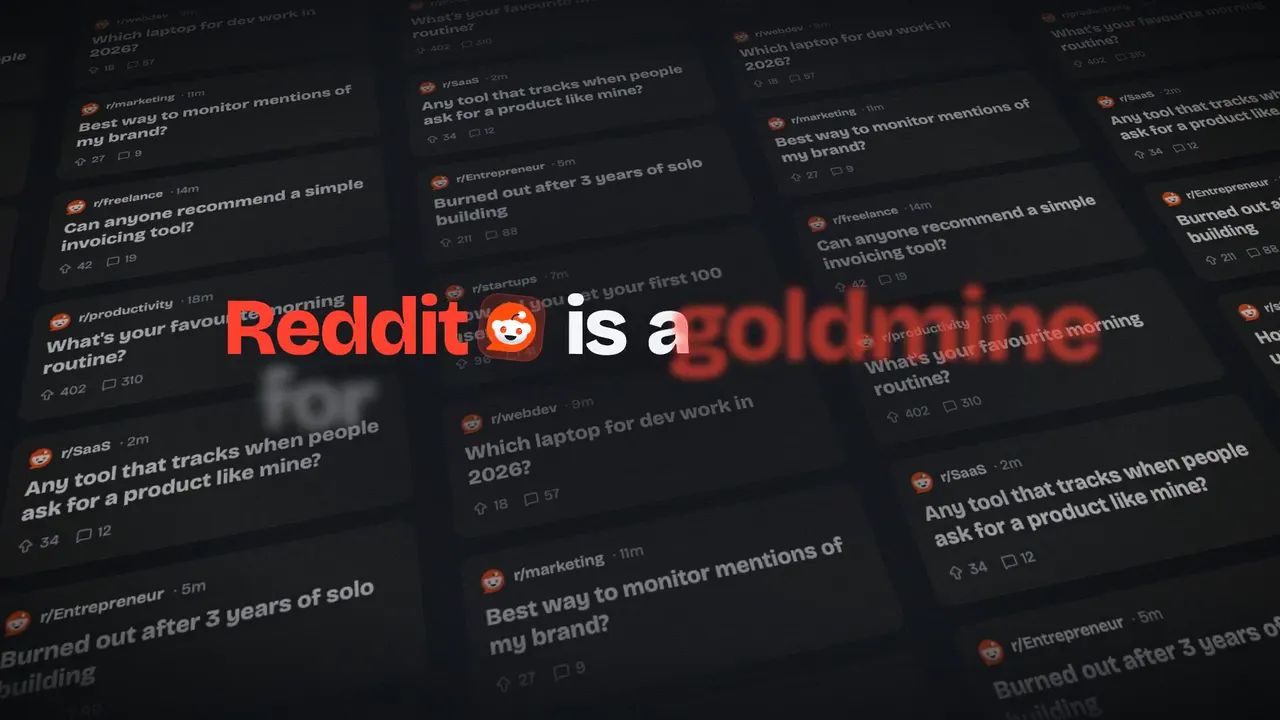 SaaS launch videoавтор: @aschapmann
 Taxtello bookkeeping app filmавтор: @daniel_haida
 Ora 2 image model launch filmавтор: @rossaxbt
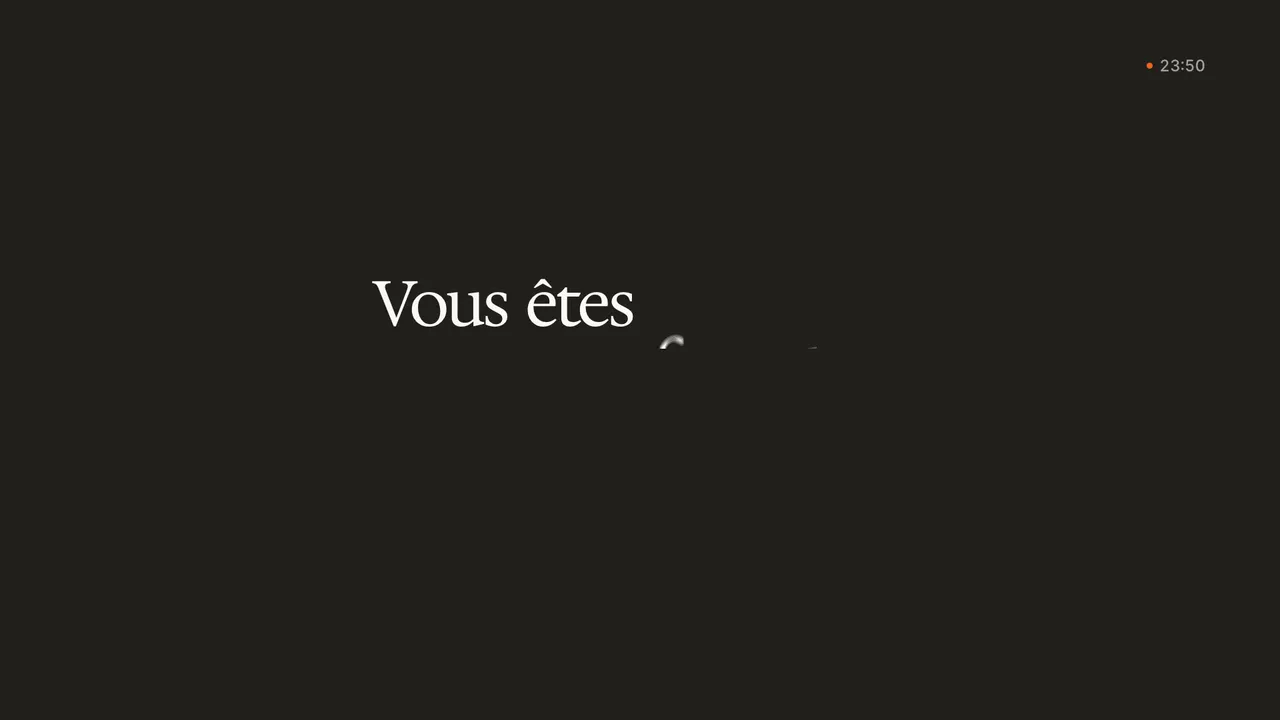 SaaS product launch videoавтор: @xelandre__
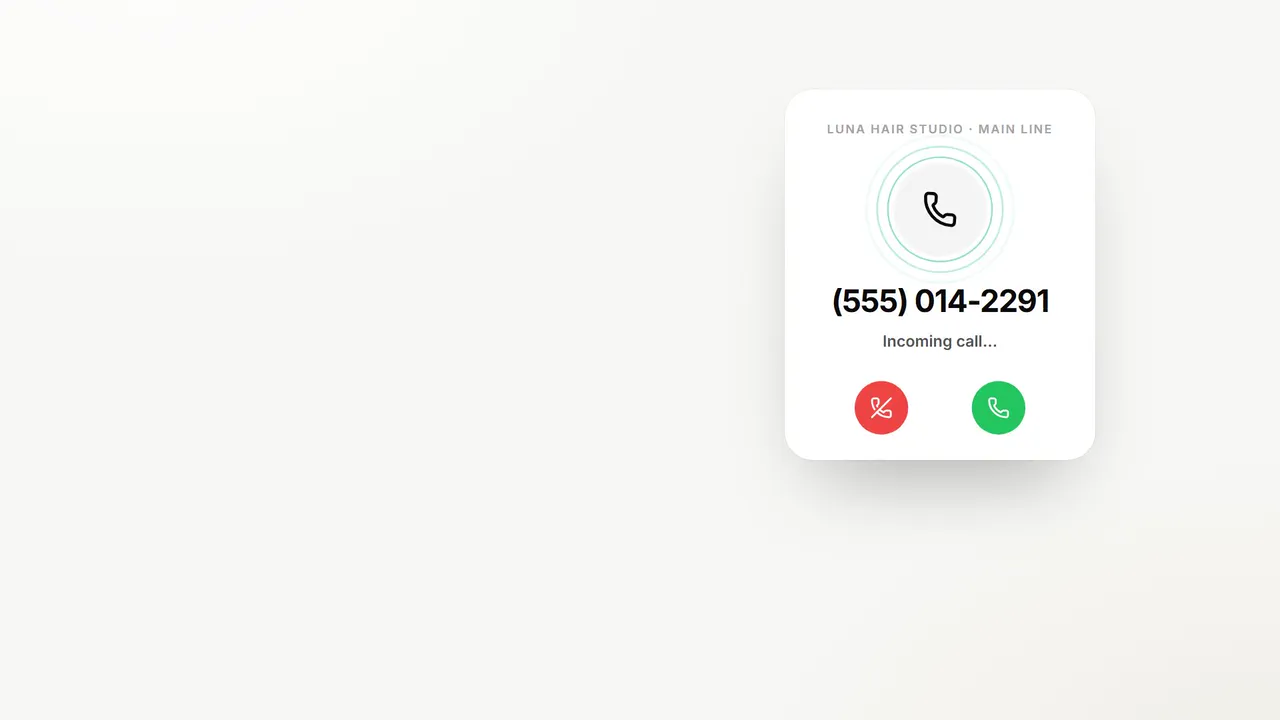 Voice agent SaaS launchавтор: @FractaDev