What 243 motion prompts have in common
We read every prompt in the MotionVideo gallery and counted: how long they are, how they're structured, how often one viral prompt is reused, what people forget to specify, and how the videos were made.
MotionVideo collects motion videos made with AI coding agents, along with the prompt or skill behind each one. When this was written the gallery held 247 videos from 221 creators, posted between 23 September and 14 October 2026. 243 of them come with the full prompt. That makes a small but honest dataset: these are the words people actually typed, not cleaned-up examples. We read all of them and counted.
Most prompts are short
The median prompt is 26 words, about two sentences. A quarter are 14 words or fewer, three quarters are 37 words or fewer, and 198 of the 243 are a single paragraph without a line break.
- 102 prompts have 25 words or fewer.
- 91 have 26 to 50 words.
- 18 have 51 to 100.
- 7 have 101 to 200.
- 25 run past 200 words, 13 of them past 800. The longest is 2,443 words.
So there are two groups and very little in between: a large pile of one- or two-sentence requests, and a small set of long, structured briefs. Only 25 prompts fall between 51 and 200 words.
One prompt shows up everywhere
78 prompts, almost a third, contain the phrase "incredible motion designer". They all descend from one request that spread widely, and 24 videos use it word for word (ignoring capitalisation and spacing):
Make a dynamic 15-second motion graphics video that shows what an incredible motion designer you are, like it's your showreel for a résumé. Go all out.
The variants mostly change the length. 56 of the 78 keep 15 seconds, 6 ask for 20, 4 for 40, 3 for 30, 2 for 10 and 1 for 25, and 6 give no length. The original is 26 words; 17 of the variants run past 30, so their creators added at least a sentence of their own. Its closing words travelled further than the prompt itself: "go all out" appears in 89 prompts.
The prompt works because it asks for nothing in particular. The model picks the subject, the palette, the type and the story, and it shows: 52 of the 78 videos are tagged kinetic type and 34 shapes, the things a model reaches for when nobody tells it otherwise. That makes it a good test of what a model can do and a poor brief for a video you need. Below are three results from the identical prompt.
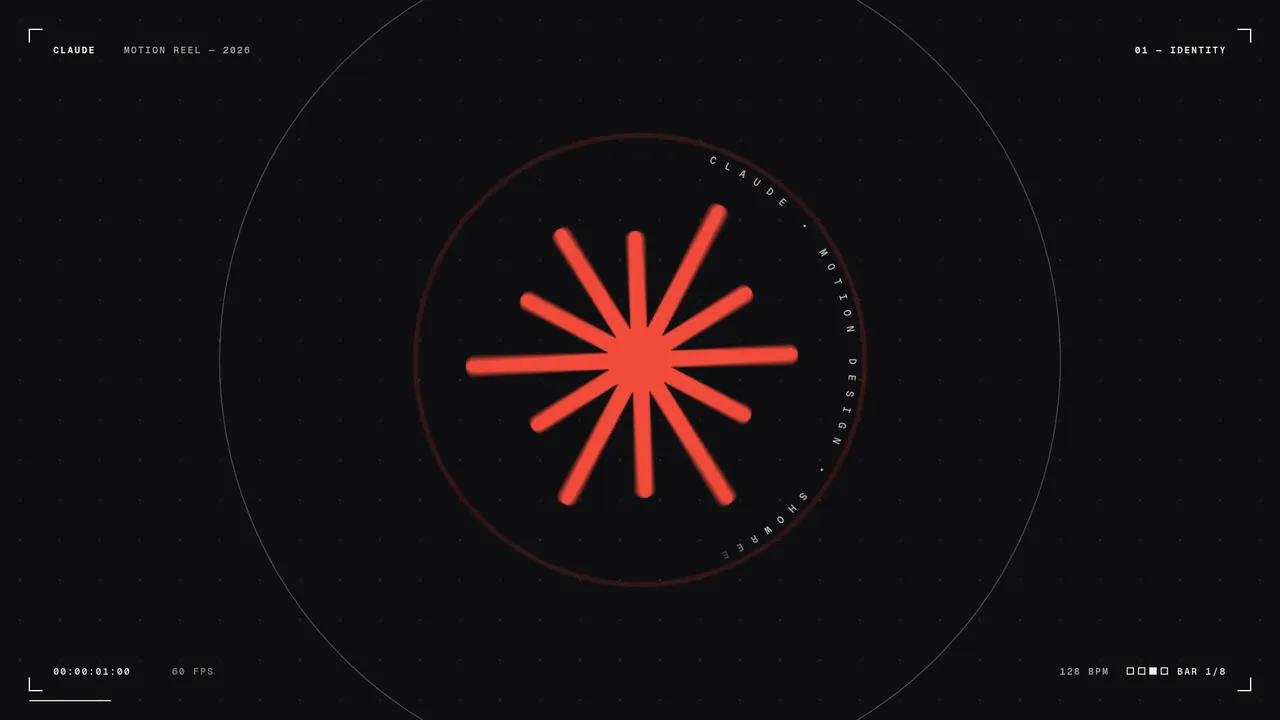 Claude motion designer showreelавтор: @stephanlivera
 Bold kinetic type showreelавтор: @shneural
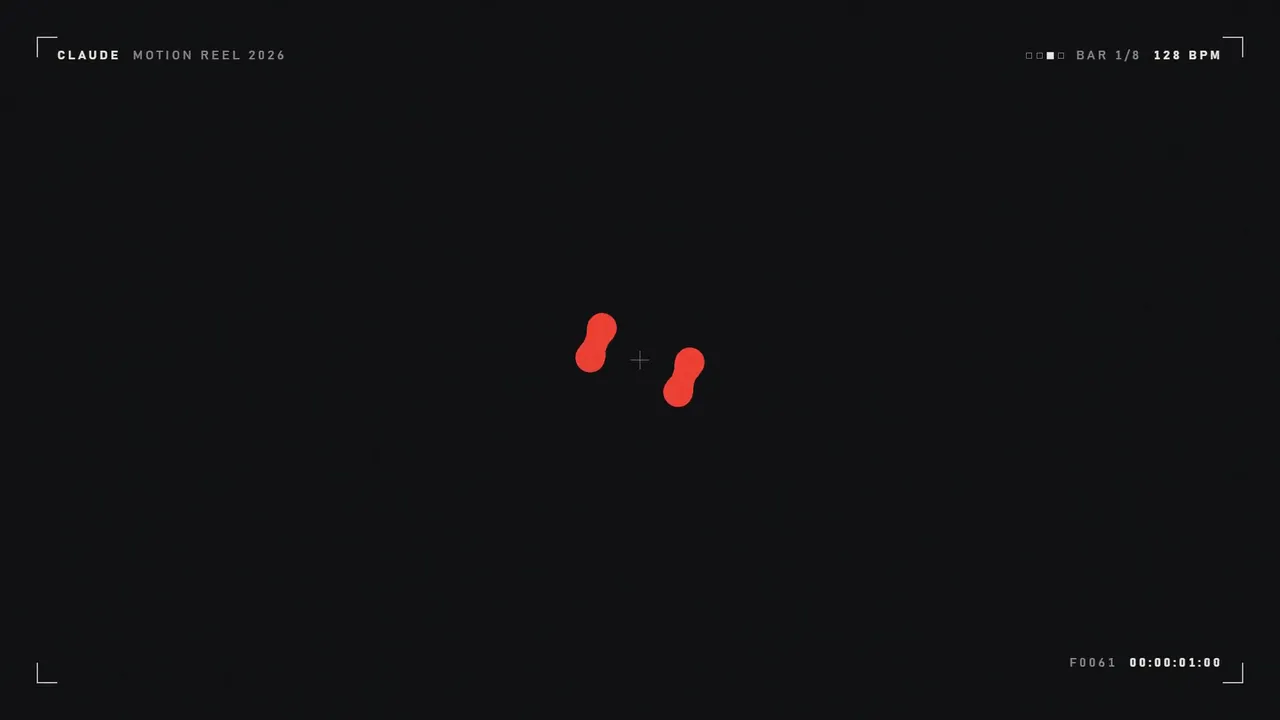 Abstract motion design reelавтор: @ajith_io
Long prompts converge on one structure
19 prompts are split into XML-style sections such as <direction>…</direction>. They are the long ones: the median sectioned prompt is 804 words, and 19 of the 25 prompts over 200 words use sections. More striking, 18 of the 19 use the same set of section names, from 8 different creators. The structure is being shared, not reinvented:
- inputs: what the agent must ask for before starting, such as photos, a logo, a song.
- direction: the look, the references and a list of banned effects.
- structure: the timeline, beat by beat, often tied to the tempo of the music.
- build: the stack and the render pipeline.
- gotchas: the failures to avoid, written from experience.
- start: the agent's first action.
14 of those 18 are product UI videos and 11 are tagged music, so this is the shape people converge on when a video has to match a real product and land on a beat.
What people specify, and what they leave out
Across all 243 prompts:
- at least 131 give a length in seconds;
- 47 mention sound, music or audio;
- 30 mention colour, a palette or a hex value;
- 29 give a size or aspect ratio;
- 19 mention fonts, typefaces or typography;
- 9 give a frame rate.
Length is the one detail most people remember. Size is not, and the defaults show: 212 videos in the gallery are landscape, 20 portrait and 15 square. If the video is for a phone-first feed, the prompt has to say so.
What gets made
Each video carries one or more category tags. Product UI leads with 105 videos, followed closely by kinetic type with 102. Then come music (54), shapes (47), particles (44), charts (34), diagrams (33), characters (29), photos (23), phone (22) and code (21). People mostly use agents to show software and to animate words.
How the videos were made
Creators can say how they made a video. It is optional and self-reported, so each figure below covers only the videos where someone filled it in.
- Model: 233 videos name one, and all 233 name Opus 5.5.
- Stack: 56 report one. 18 are plain HTML, JavaScript or canvas, 12 Remotion, 10 HyperFrames, 6 an HTML page captured with Playwright, 5 Three.js, 3 Python (including Manim), 1 Blender and 1 OpenEdit.
- Effort: 36 report it: 22 max, 7 high, 7 medium.
- Iterations: 97 report it: 90 one-shot, 6 a few rounds, 1 many rounds.
Read the one-shot figure with care. People are more likely to post, and label, a video that worked the first time, and an open prompt like the showreel one can hardly fail, because any result counts. What the number does show is that a single prompt can carry a whole video.
Takeaways
- Decide what the video is for before writing. The one-line showreel prompt is fine when any good-looking result will do; it is the wrong tool for a launch or an explainer.
- Give three numbers: length, size and frame rate. Most prompts give only the first.
- Describe the look in terms the agent can implement: hex colours, a typeface, a few motion rules, and what is banned.
- Once a prompt passes a paragraph, split it into sections. The long prompts in the gallery agree on a structure; borrow it.
- Ask the agent to collect missing facts first and to review its own frames before it hands the video back.
The anatomy of a motion prompt turns these into a structure with example lines, and the prompt customizer adds your details to any prompt in the gallery.